Give Invictus access to your Microsoft Entra ID
To use your Microsoft Entra ID groups as a way of authentication and flow authorization, you need to follow these steps.
Sync your Microsoft Entra ID groups to Invictus Only Admins
The Dashboard uses groups available in your Microsoft Entra ID to determine whether users can access certain flows. (See flow permissions).
warning
Only groups of active users (Entra ID users that have already signed into the Dashboard) will be synced within the Dashboard.
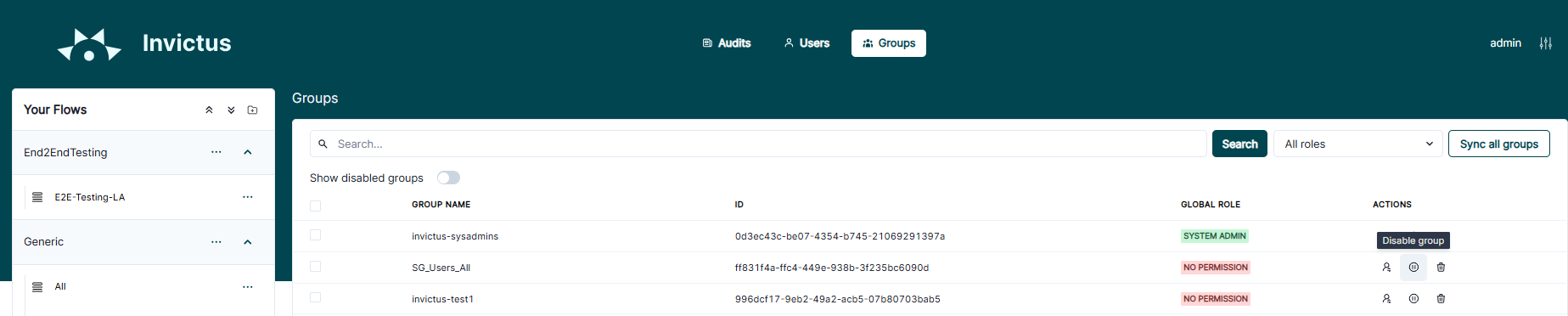
Enable only required groups Only Admins
Once the Dashboard knows about the related Entra ID groups, you have to manually enable the required groups which you want to use for flow permissions.
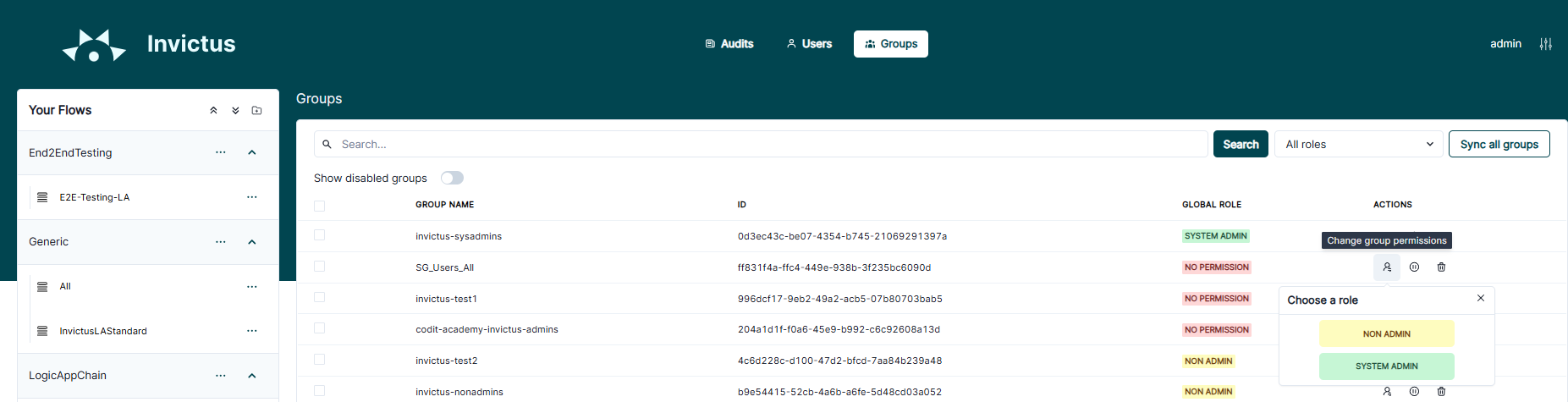
Assign user role to required groups Only Admins
Each enabled group requires a user role permission. This describes what authority each member of the group has throughout the Dashboard, more info on Dashboard roles.